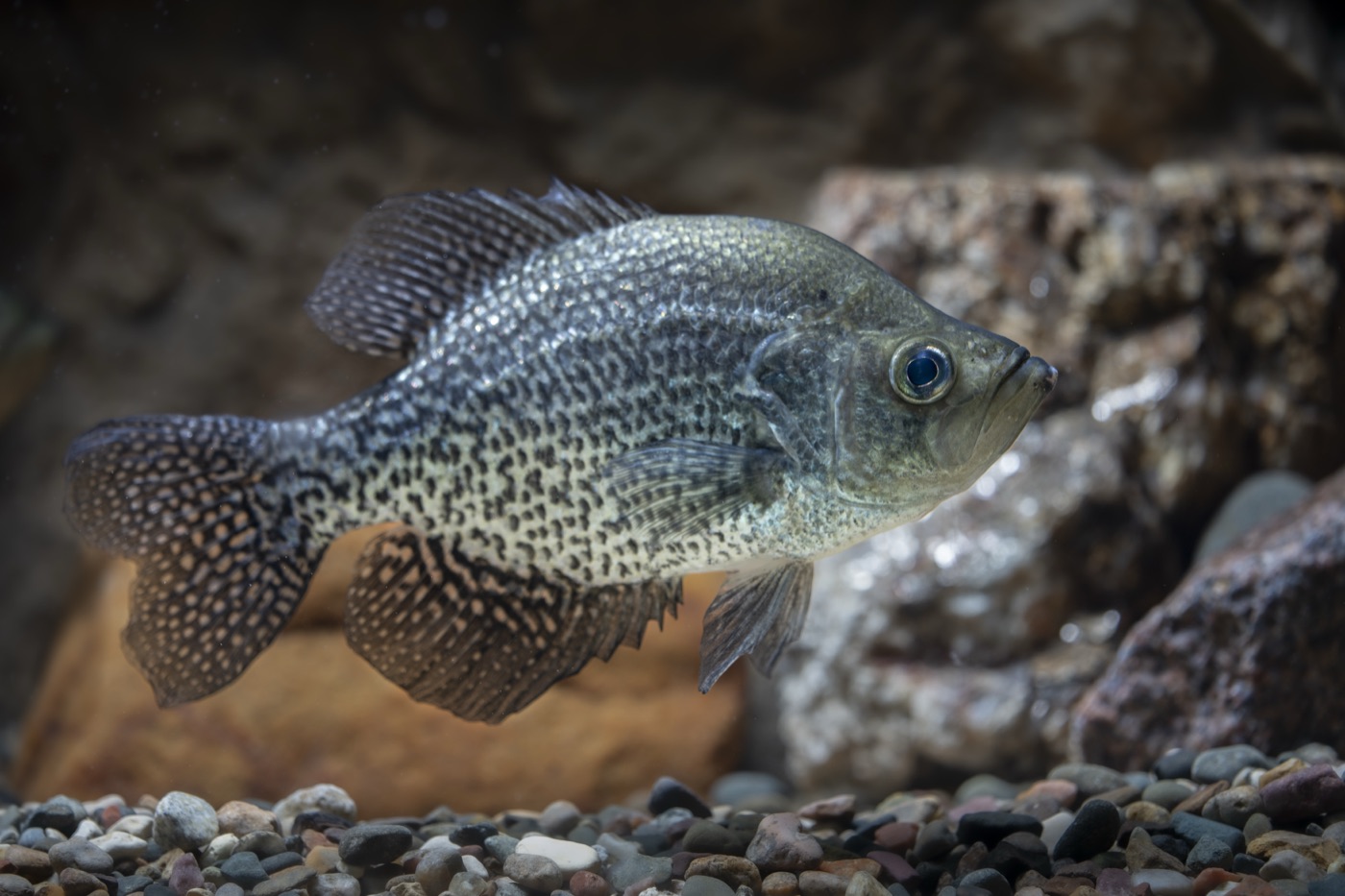
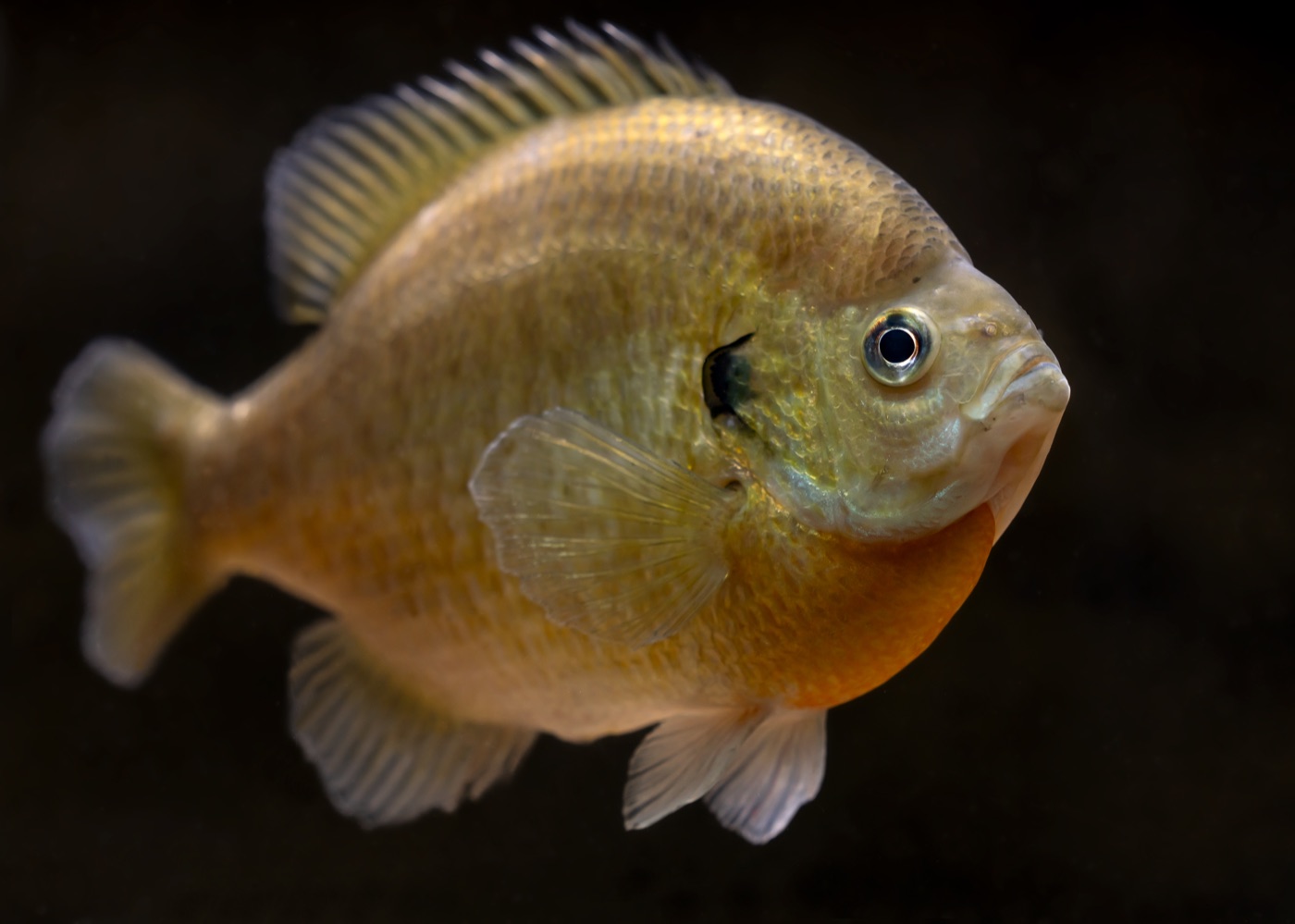
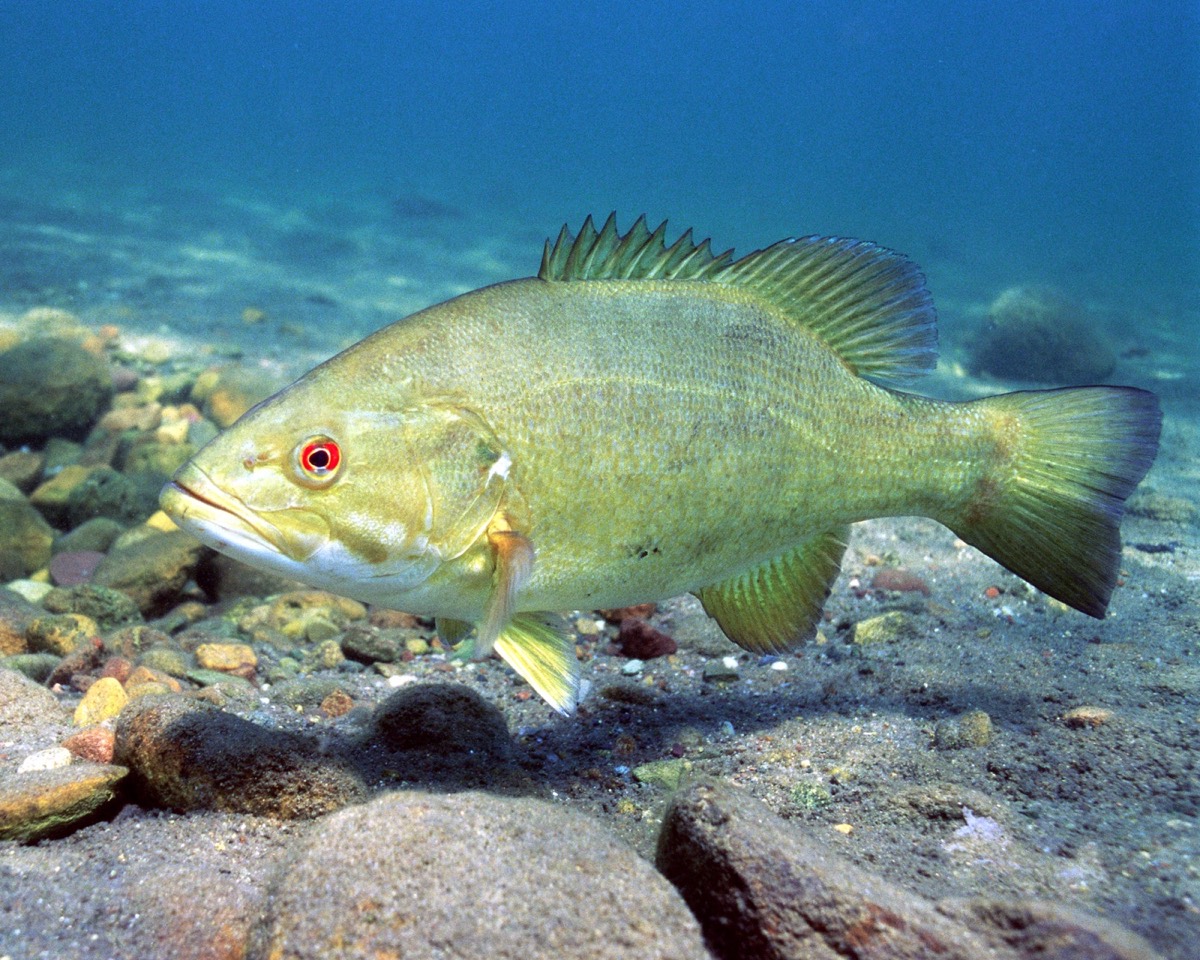
Fish Identification from a Photo
Fish identification lets you photograph a catch and get a likely species back within seconds, along with handling notes and a link to the full species page. It is automated image recognition, so it returns a best guess rather than a verified determination — and it should never be the basis for deciding whether a fish is legal to keep.
What it reads
- The photo you take or choose from your library
- Your approximate location, which narrows the plausible species
What you get back
The app returns a likely species with a link to its full profile, so the identification is a starting point rather than a dead end. How photo identification models are trained, and where they break down, is explained in the best app for identifying fish from a photo. Where the model is unsure, seeing the alternatives is more useful than a single confident-looking label.
From there you can open the species page and check the identification yourself against the description, the markings and the range. That step is the point: the photo gets you to a shortlist quickly, and the profile is what lets you confirm it.
Handling notes come with the result, because the first minute after a fish comes out of the water is when your decisions matter most.
Why the photo matters more than the model
A side-on photo in good light will outperform any amount of clever processing on a bad one. Automated identification works from visible features — body shape, fin placement, markings along the flank, mouth position — and a photo that hides those is asking the model to guess.
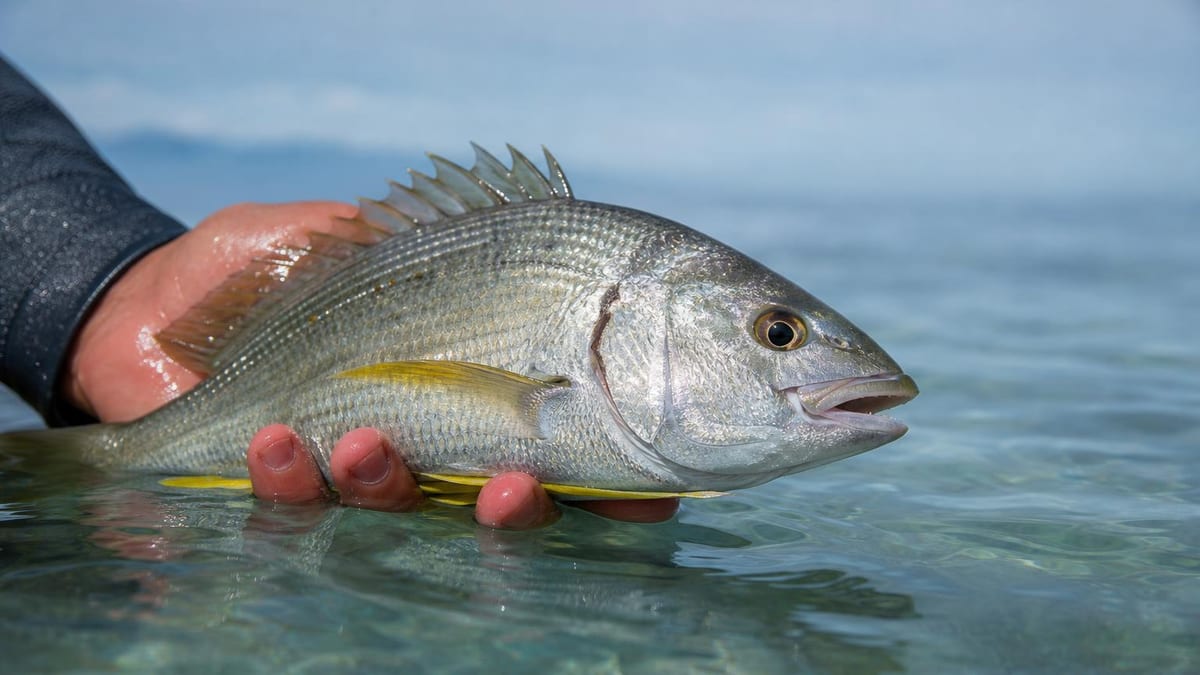
Three habits fix most bad results. Shoot the fish side-on rather than at an angle from above; include the whole fish, from snout to tail; and keep your hand off the flank, which is exactly where the diagnostic markings usually sit.
Light does the rest. A wet fish in direct sun blows out to a white blur, and a fish in deep shade loses the colour boundaries that separate similar species. Overcast light, or shade from your own body rather than a hat brim across the fish, is close to ideal.
Do all of this quickly. A photograph that takes thirty seconds and gets the fish back in the water beats a perfect one that does not.
Where it struggles
Closely related species are the honest weak point. Fish that differ from each other by fin ray counts, the exact position of a jaw relative to the eye, or a patch of teeth on the tongue are difficult from a photograph — sometimes for anyone working from a photograph, not just a model.
Juveniles are a second hard case. Many species look substantially different before maturity, and the markings that identify an adult may not have developed yet.
Hybrids are a third. Where two species interbreed, the result may sit visually between them and resolve cleanly as neither.
None of this is unique to this app. It is the nature of identifying an animal from a two-dimensional image, and it is why the result is presented as a likely species rather than a determination.
The keep-or-release rule
Never let an automated identification decide whether a fish goes in the cooler. Size limits, seasons, bag limits and protected-species rules all hinge on knowing what you are holding, and the legal responsibility for getting that right sits with you — not with software.
This is not a formality. Protected and heavily regulated species frequently resemble common ones closely enough that the distinction is exactly where automated identification is least reliable, which makes the highest-stakes case also the weakest one.
The practical rule is simple. If a keep decision depends on the species and you are not personally certain, release the fish or check with your state or country’s fish and wildlife agency. Those agencies publish identification guides for precisely this situation, and they are the authority that counts.
What it does not do
- It is automated and can be wrong. Treat every result as a suggestion to check, not an answer.
- It is not a legal identification. You remain responsible for correctly identifying species under your local rules, and a screenshot of an app result is not a defence.
- Closely related species defeat it most often. Similar-looking fish that differ by fin ray counts, mouth position or tooth patches are exactly the cases where a photo is weakest.
- Photo quality drives the result. A wet, folded, partly obscured or badly lit fish gives the model much less to work with than a clean side-on shot.
- Hybrids and regional variants may not resolve cleanly, because they do not always look like either parent species.
Full terms, including the safety and navigation disclaimer, are in our terms of use.
Frequently asked questions
How accurate is the fish identification?
We do not publish an accuracy figure, because a single number would be misleading. Automated identification performs very differently on a clean side-on photo of a distinctive species than on a half-submerged fish from a genus where even biologists count fin rays. Use it as a fast first opinion and confirm anything that matters.
Can I use the app to decide whether I can keep a fish?
No. Size, season and bag limits depend on correct species identification, and that responsibility stays with you under your state or country's rules. If a keep-or-release decision depends on which species you are holding and you are not certain, release the fish or consult your local fish and wildlife agency.
How do I take a photo that identifies well?
Shoot the whole fish side-on, in daylight, against a plain background, with fins spread if you can manage it without harming the fish. Avoid shooting down at an angle, cropping the tail or head, and covering the flank with your hand — the markings the model relies on are usually along the side.
What happens to my photo?
It is sent to a third-party AI provider to generate the identification, and that provider is named in our privacy policy along with what it may do with the input. Photos are processed to serve your request rather than to build a profile of you.
Does it work on saltwater species?
Yes, and your location helps, because it narrows the field to species plausible where you are fishing. That said, offshore and reef species include some large, visually similar families, so the same advice applies — check anything you intend to keep.